
Module Prestashop

Make your shop private: customers must sign in to access it

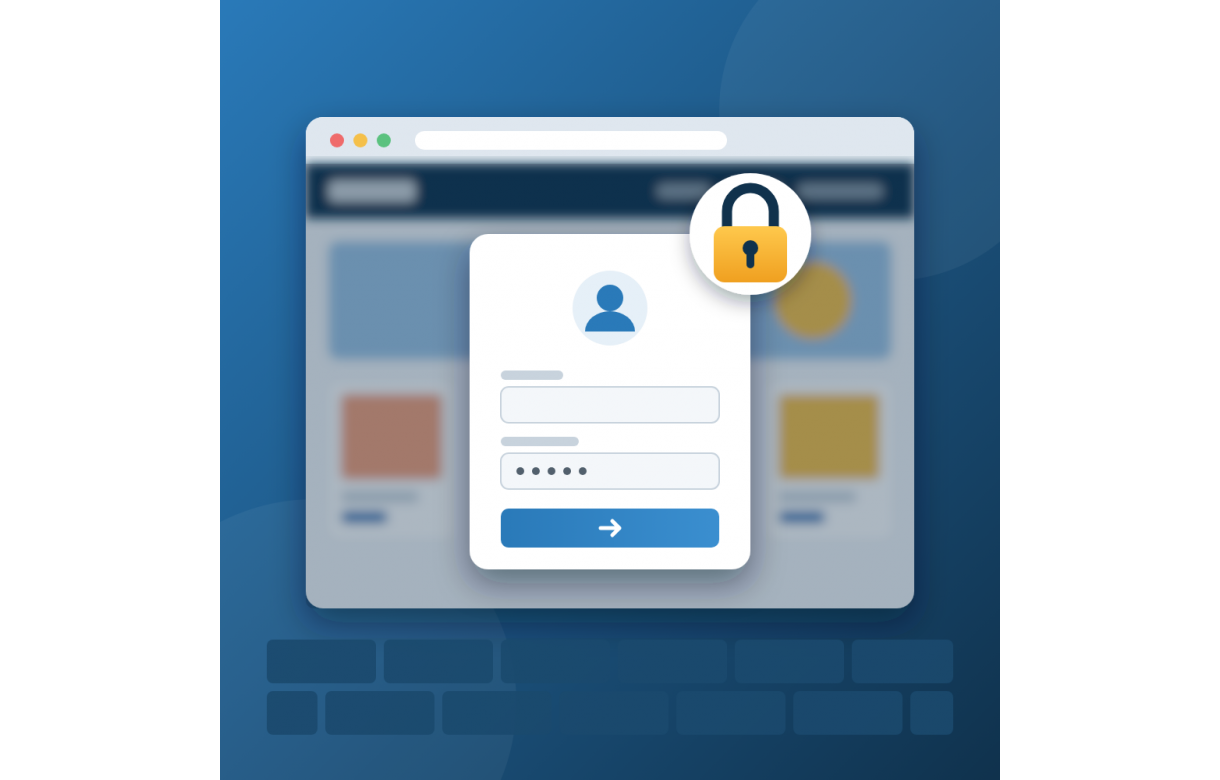
Hide your whole front office from visitors who are not logged in: they only see a customisable login page (background image, multilingual text). Ideal for B2B, private sales or pre-launch. Cron jobs and payment notifications keep working.

  • New

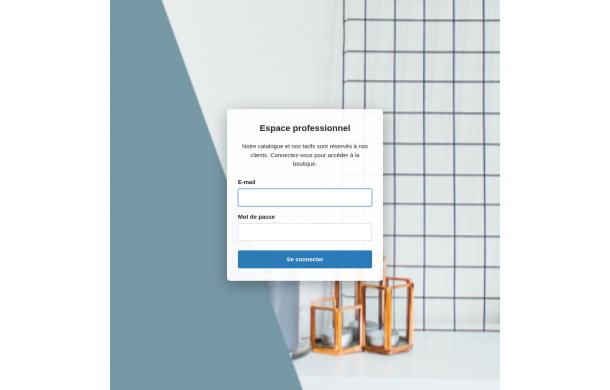
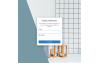
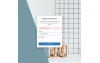
Login wall turns your PrestaShop store into a private area. As long as a visitor is not logged into their customer account, no front office page is visible: catalogue, product pages, prices, CMS pages… Instead, they land on a clean login page featuring your background image and a welcome message you write in each language.

As soon as the customer signs in, they are redirected to the page they originally requested and browse the shop as usual. Authentication follows PrestaShop's native logic exactly (disabled and guest accounts refused, cart rules, authentication hooks), ensuring compatibility with your other modules.

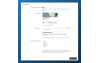
Because a private shop must keep running, you define the list of pages that always remain accessible: cron jobs, payment notifications (IPN, webhooks, callbacks), password recovery, CMS pages… Default rules are provided on installation. The back office and command-line scripts are never affected.

Perfect for B2B stores, private sales, reseller-only catalogues, intranets or a shop still under construction.

Features

  • Blocks the whole front office (core pages and module controllers) for visitors who are not logged in
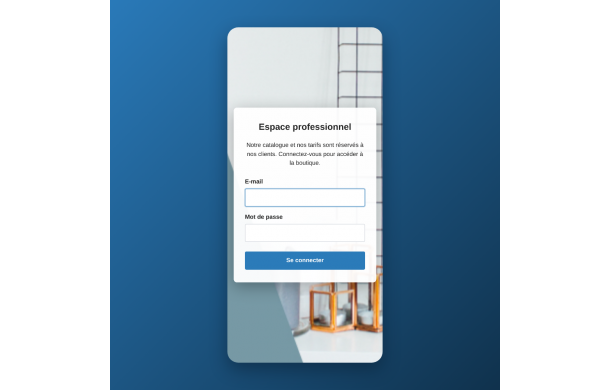
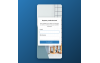
  • Standalone, lightweight and responsive login page (mobile, tablet, desktop)
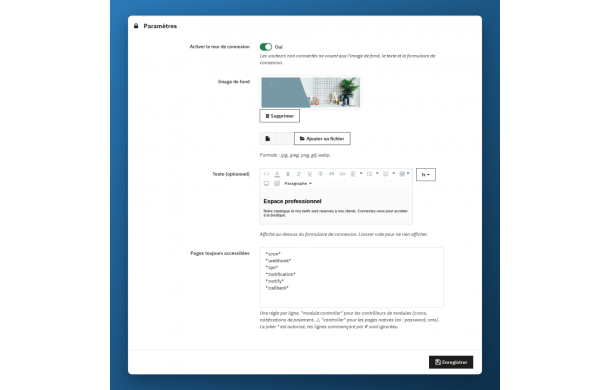
  • Custom background image (jpg, jpeg, png, gif, webp) with preview and one-click deletion
  • Optional multilingual welcome text with WYSIWYG editor
  • Uses your shop name and favicon
  • Same authentication as PrestaShop core: disabled and guest accounts refused, actionAuthentication hooks, automatic cart rules
  • Redirects to the requested page after login
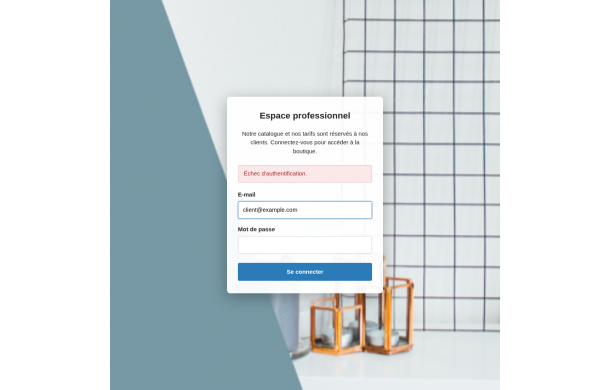
  • Clear error messages on wrong credentials
  • Always-accessible pages list: "module:controller" or "controller" syntax, * wildcard, # comments
  • Default exceptions for crons, webhooks, IPN, payment notifications and callbacks
  • Back office and CLI tasks never blocked
  • noindex/nofollow and no-cache headers: the page is neither indexed nor cached
  • One-click enable / disable
  • Per-shop configuration in multistore
  • No override, clean uninstall (images and configuration removed)
  • Compatible with PrestaShop 8 and 9
Tickets services
We intervene as soon as possible

It is sometimes necessary to intervene in an emergency agency to make changes to your Prestashop store. With the intervention ticket, Ether Creation, Prestashop solution expert, is committed to working on your shop during the day.

Installation and / or modification of a module, Adaptation of a theme, correction of graphic bugs, Graphic creation, Creation of an option or a feature, Training in the use of Prestashop, Etc.